
Have you ever plugged in your phone at night, only to wake up to 47% and wonder if your charger is secretly gaslighting you? Yeah, me too.
Then one day, I swapped to a proper USB-C-to-USB-C cable, and my phone hit 100% before I finished brushing my teeth. No exaggeration. That tiny change felt like upgrading from a bicycle to a rocket ship. If you’re still living in the USB-A dark ages or using whatever random cable came in the box, this one’s for you.
Let’s fix that mess once and for all.
The Death of the Old Rectangle (Goodbye USB-A)
Remember when every device had that flat, stubborn USB-A port? You’d flip the cable twice, curse under your breath, then finally get it in on the third try. That era is dying fast.
Apple, Samsung, Google, and even laptop makers have almost completely switched to USB-C. Starting late 2024, every new phone sold in Europe legally has to use USB-C. The rest of the world is following. In 2025, if you’re still hunting for USB-A wall chargers, you’re basically shopping for floppy disks.
A good USB-C to USB-C cable isn’t a luxury anymore. It’s the only cable you’ll actually need.
Why USB-C to USB-C Cables Are Straight-Up Better
1. It goes in the first time, every time
Oval shape, reversible plug. No more “which way is up?” drama at 2 a.m.
2. Insane charging speed
A proper USB-C to USB-C cable with Power Delivery (PD) can push 100 watts, sometimes 140 W or even 240 W in 2025. That means your phone charges in 30–40 minutes and your laptop charges in under two hours — using the same cable.
3. Crazy-fast data
USB 2.0 USB-C to USB-C cables still exist (they’re cheap), but the good ones hit 10 Gbps, 20 Gbps, or even 40 Gbps with Thunderbolt 4. Moving a 50 GB video folder goes from “go make coffee” to “done before you blink.”
4. One cable rules them all
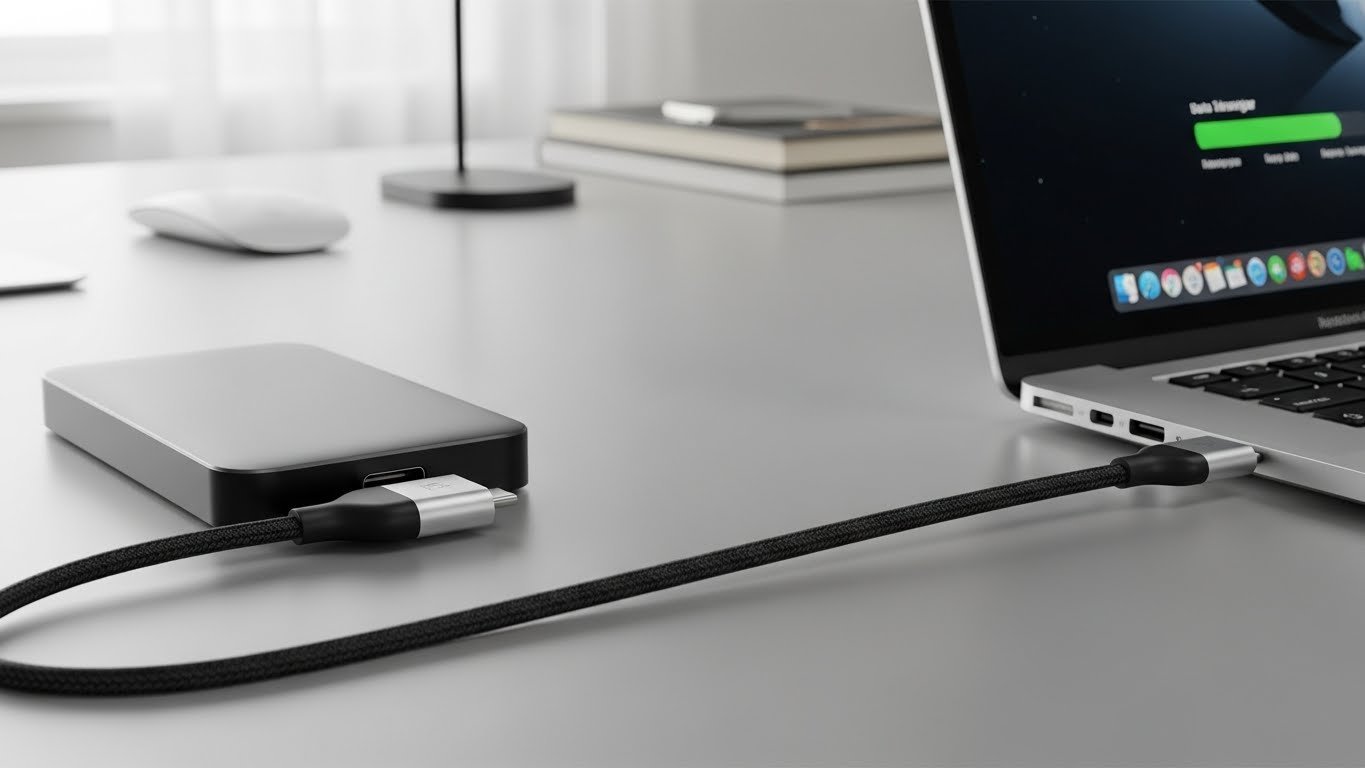
Charge your phone, tablet, earbuds, laptop, Nintendo Switch, portable monitor, and external SSD — all with the same USB-C to USB-C cable. My backpack used to look like a spaghetti factory. Now it’s one black cable and peace.
Real-Life Example That Still Makes Me Laugh
Last Christmas I visited my parents. Dad proudly showed me his new Android phone… still plugged into the white USB-A charger he’s owned since 2014. The phone was at 12 % after four hours. I pulled a spare USB-C to USB-C cable from my bag, paired it with his old 18 W charger, and twenty minutes later, the phone was at 68 %. His exact words: “What kind of witchcraft is this?” That, Dad, is 2025 happening in your living room.
How to Spot a Junk USB-C to USB-C Cable (Because Most Are Junk)
Walk into any gas station, and you’ll see $6 “100 W” cables. They lie. Here’s what actually matters:
- Look for the trident USB logo + “SuperSpeed 10 Gbps” or higher printed on the cable
- 100 W or 240 W cables are thicker and usually braided
- E-Marker chip inside (tiny chip that tells your device the cable is safe for high power)
- Reputable brands: Anker, Belkin, UGREEN, Baseus, Cable Matters, Satechi
Cheap, no-name cables can fry your phone or laptop. I learned that the expensive way in 2023. Trust me, buy once, cry once.
The Length Trap Nobody Talks About
Here’s a dirty secret: the longer the USB-C to USB-C cable, the slower it usually gets.
- 3 ft 6 ft → full 100 W + 20 Gbps easy
- 10 ft → most drop to 60 W or slower data unless they’re “active” cables (more expensive)
Want both length and speed? Budget $35–$50 for a quality 10-foot USB-C to USB-C cable. Anything cheaper is smoke and disappointment.
My Everyday Carry in 2025 (Tested for Two Years Straight)
I’ve destroyed a lot of cables stress-testing them for work. These three have survived my chaos:
- Anker PowerLine III Flow – 6 ft, 100 W, silicone coating that feels like heaven and never tangles. Still looks new after daily abuse.
- Baseus 240 W braided – thick but flexible, charges my gaming laptop at full speed.
- UGREEN 100 W 3 ft – lives permanently in my car, baked in summer heat and frozen in winter, still going strong.
All three cost between $15–$25. You don’t need to spend $60 unless you want fancy colors.
Will USB-C to USB-C Cables Get Even Better?
Short answer: yes. We’re already seeing 240 W standard cables in stores. Thunderbolt 5 (80 Gbps) is rolling out. Some companies are experimenting with magnetic breakaway tips and color-changing temperature indicators. By 2027, your USB-C to USB-C cable might even charge your electric car (okay, slight exaggeration, but the spec already allows it).
The One Question You Should Ask Before Buying Any Cable
“What’s the worst that can happen if this cable fails?” If the answer is “it could damage my $1,200 phone or $2,000 laptop,” spend the extra ten bucks. A quality USB-C to USB-C cable is still cheaper than one repair bill.
Final Truth Bomb
In 2025, keeping USB-A cables around is like keeping a flip phone “just in case.” It feels safe until you actually need performance.
Do yourself a favor: throw every old white charger and flimsy cable into a drawer you’ll never open again. Buy two or three solid USB-C to USB-C cables — one for home, one for work, one for your bag. Your devices will thank you. Your stress levels will drop. And you’ll never flip a cable upside down in the dark again.
Read More: USB-C vs USB-A: How to Choose the Right Cable or Adapter
